
How to Choose the Best Prebuilt Keyboard for Your Needs?

In recent years, the gaming and typing industries have witnessed a surge in the popularity of Prebuilt Keyboards. According to a report from Grand View Research, the global mechanical keyboard market is expected to grow significantly, reaching USD 2.6 billion by 2027. This growth reflects the increasing demand for quality typing and gaming experiences. Prebuilt keyboards offer users a convenient solution without the need for complex assembly.

Choosing the best prebuilt keyboard can be challenging. With various brands, features, and price points available, making an informed decision is vital. A study by Statista indicated that 38% of consumers prioritize typing comfort when selecting a keyboard. Furthermore, the inclusion of customizable lighting and programmable keys has become a significant factor for gamers and professionals alike. It’s here that personal preferences and performance requirements intersect.

While the current market offers a myriad of options, there are still gaps in quality and durability among some prebuilt keyboards. Even reputable brands can have inconsistencies. Therefore, users must be diligent in research and testing. Finding the right balance between functionality and aesthetics is essential for optimal satisfaction.
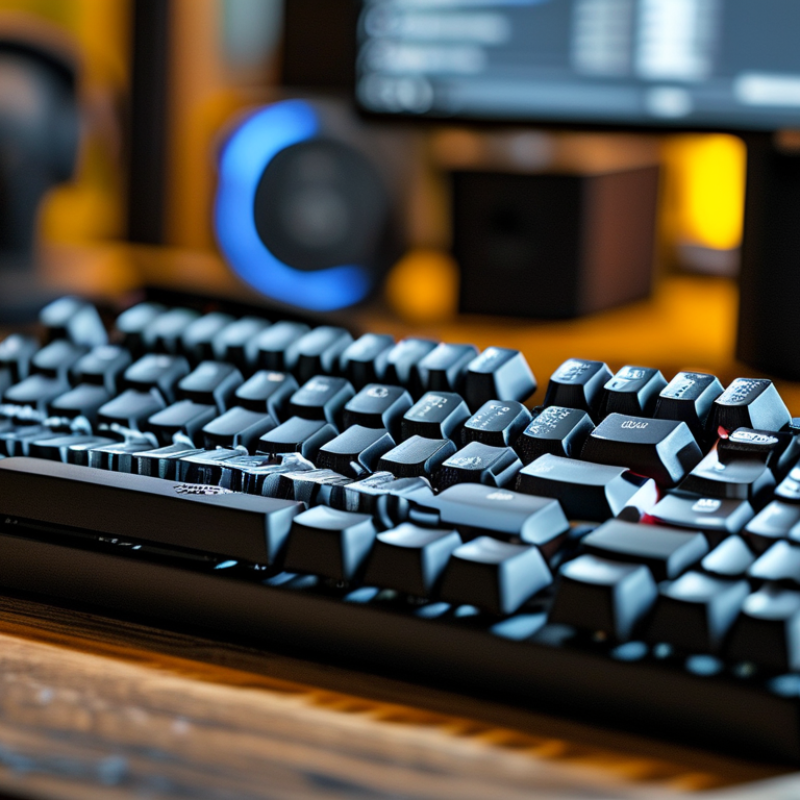
How to Choose the Best Prebuilt Keyboard for Your Needs?

Understanding Your Typing Needs and Preferences

When selecting a prebuilt keyboard, understanding your typing needs is essential. A survey by the International Ergonomics Association indicated that over 50% of users experience discomfort while typing. This is often due to inadequate keyboard design that does not fit personal habits. For example, if you type frequently or for long periods, a comfortable ergonomic design can lead to better posture and less strain.

Consider your typing style. Are you a gamer, a writer, or someone who simply browses? Each group has varying requirements. Studies show that mechanical keyboards are preferred by 70% of gamers due to their tactile feedback. Conversely, many writers favor quieter, low-profile keys for a distraction-free environment. Recognizing whether you need speed, silence, or tactile response plays a critical role in your choice.

It’s also crucial to think about the layout and key travel. A study highlighted that most users struggle with keyboards that have a travel distance they are unaccustomed to. If you tend to mistype often, this could be a red flag. While many keyboards offer customizable features, they may not suit everyone’s preferences. Reflecting on these details can help you find a keyboard that not only meets your needs but enhances your overall typing experience.

Exploring Different Types of Prebuilt Keyboards

When exploring different types of prebuilt keyboards, it’s crucial to understand your specific needs. Mechanical keyboards are popular for their tactile feedback. They often have customizable key switches to enhance typing experience. If you enjoy gaming, consider a keyboard designed for rapid key response. Look for features like anti-ghosting and customizable macros.

Membrane keyboards are another option. These are generally quieter and more affordable, but lack the tactile feel that mechanical ones provide. They can be perfect for office environments or casual use. However, they might not last as long as mechanical counterparts.

Ergonomic designs are worth considering, too. They promote better hand positioning. This reduces strain during long typing sessions, though some may find them uncomfortable initially. A good keyboard should fit your style, whether it’s for gaming, typing, or general use. Reflect on what matters most in your keyboard choice.

How to Choose the Best Prebuilt Keyboard for Your Needs? - Exploring Different Types of Prebuilt Keyboards

Keyboard Type Switch Type Size Special Features Price Range
Mechanical Cherry MX Red Full-size RGB Backlighting, Programmable Keys $100 - $150
Membrane N/A Compact Quiet Operation, Lightweight $20 - $50
Gaming Cherry MX Blue Tenkeyless Macros, Anti-Ghosting $80 - $120
Ergonomic Low-Profile Scissor Switch Split Layout Wrist Support, Adjustable Angle $60 - $90
Wireless Mechanical Full-size Bluetooth Connectivity $120 - $200

Key Features to Consider in a Prebuilt Keyboard

When choosing a prebuilt keyboard, consider its form factor. Compact keyboards save space and are portable. Larger models often include a numeric keypad. Think about your workspace and how you use it. A layout that fits your needs can enhance comfort and productivity.

Another key feature is the switch type. Mechanical switches provide tactile feedback and durability. Some prefer the softer touch of membrane switches for quieter operation. Test different switches to find what feels best. Your typing style will influence which is ideal for you.

Don't overlook customization options. LED backlighting can improve visibility in low light. Some keyboards allow remapping keys for specific functions. These features can personalize your experience. Take time to evaluate what features resonate with your daily tasks and preferences. Consider how each aspect affects your overall satisfaction.

Key Features to Consider in a Prebuilt Keyboard

Comparing Brands and Models for Quality and Value

When selecting a prebuilt keyboard, evaluating the quality and value of various brands and models is essential. Different keyboards offer unique features, from mechanical switches to RGB lighting. The feel and responsiveness of the keys can greatly affect your typing experience. It’s crucial to test them firsthand when possible. Not every model suits everyone's typing style.

Consider factors like build quality and key durability. Some keyboards may feel premium but sacrifice longevity. Look for reviews and user feedback for insights into real-world performance. Trusted sources can guide you toward models that best fit your preferences. Checking the warranty and customer service reputation can also provide peace of mind.

Be mindful that preferences vary widely. What feels comfortable for one user may not be the same for another. Brands often cater to different audiences, and their marketing may not reflect necessity. Ideally, you should weigh both expert opinions and your own tactile assessments. This dual approach will help you identify a keyboard that balances quality and value effectively.

Evaluating Reviews and User Feedback Before Purchase

When choosing a prebuilt keyboard, user reviews and feedback play a crucial role. These insights can reveal the actual performance and durability of the keyboard. Many keyboards look great online, but user experiences often tell a different story. Pay attention to comments regarding build quality and key responsiveness. If multiple users report issues, it’s worth considering alternatives.

Moreover, don’t overlook the importance of specific use cases. For example, gamers may need different features than writers. Look for feedback that discusses these nuances. Some users may love a particular model, while others might find it unsuitable for their needs. This variability can guide you in making a more informed decision.

Understanding the context of reviews is essential. A keyboard praised for gaming may not be ideal for typing long documents. Reflecting on the nuances shared by users can illuminate your unique requirements. Look for patterns in feedback rather than relying on single opinions. This approach will lead you to a keyboard that truly fits your lifestyle.

Scroll to Top